Developer tools · macOS · Available

A keyboard layer for agent controls on macOS.
Key facts
- Status
- Available
- Platform
- macOS 14 Sonoma or later, Apple silicon and Intel
- First release
- 0.1.0, 7 August 2026 (opens in a new tab)
- Latest version
- 0.3.3, 15 August 2026 (opens in a new tab)
- Price
- Free
What it is
KeySwitch is a native macOS menu-bar app that turns the Mac’s built-in keyboard into an editable control layer for coding agents, modelled on Codex Micro controls. Hold Fn + Control to switch the layer on, use the mapped keys, and return to normal typing when the layer exits.
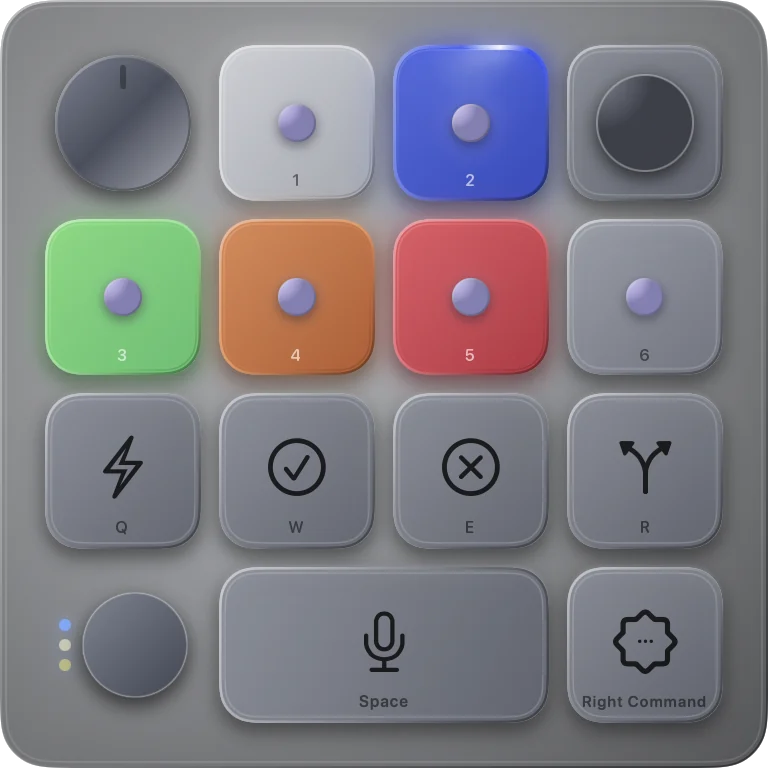
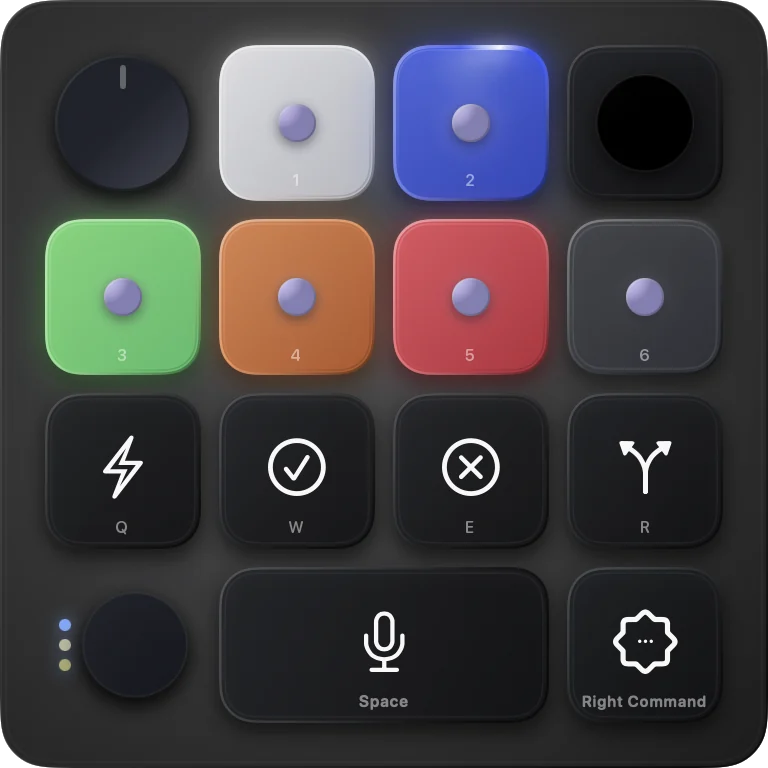
It shows the status of up to six agents in the menu bar and in a small heads-up display, and keeps its key labels in sync with the Codex Micro settings in the Codex desktop app.
What you can do
- Hold or toggle activation, with Fn + Control as the default
- A persistent mapping for every supported agent, command, stick, and dial control
- A six-agent status strip in the menu bar and a frosted HUD in four sizes
- Keycaps and slot actions synced from Codex Micro settings
- Safety exits, inactivity timeout, and optional blocking of unmapped keys
- Signed automatic updates and optional Launch at Login
- Settings stay on the Mac: no account, analytics, or telemetry
Screenshots
Good to know
KeySwitch is an independent, experimental project and is not affiliated with or endorsed by OpenAI. Its Codex connection relies on undocumented desktop-app behaviour and can break after a Codex update.