
Run AI coding agents from your phone, connected to your own computer.
Key facts
- Status
- Available
- Platforms
- iPhone and iPad (iOS 15.1+), Android
- On the App Store
- 11 March 2026 (opens in a new tab)
- On Google Play
- May 2026 (opens in a new tab)
- Latest version
- 5.2.3, May 2026
- Price
- Free to download
- Agents
- Codex, Cursor, OpenCode
- Source code
- Open source, MIT (opens in a new tab)
What it is
Clawdex is a mobile app for developers who work with AI coding agents. It lets you start and follow agent runs from your phone while the agent itself keeps working on your own Mac, Linux machine, or private server.
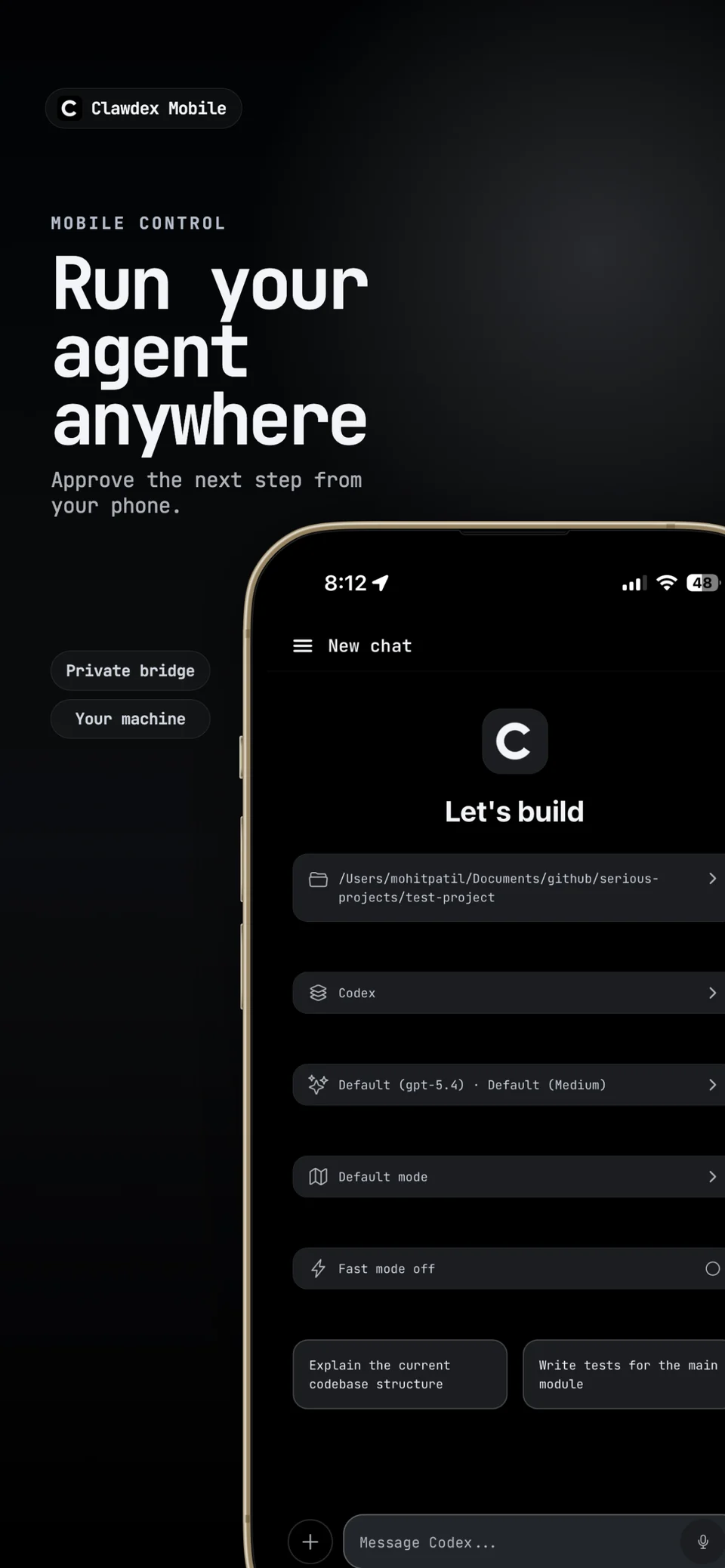
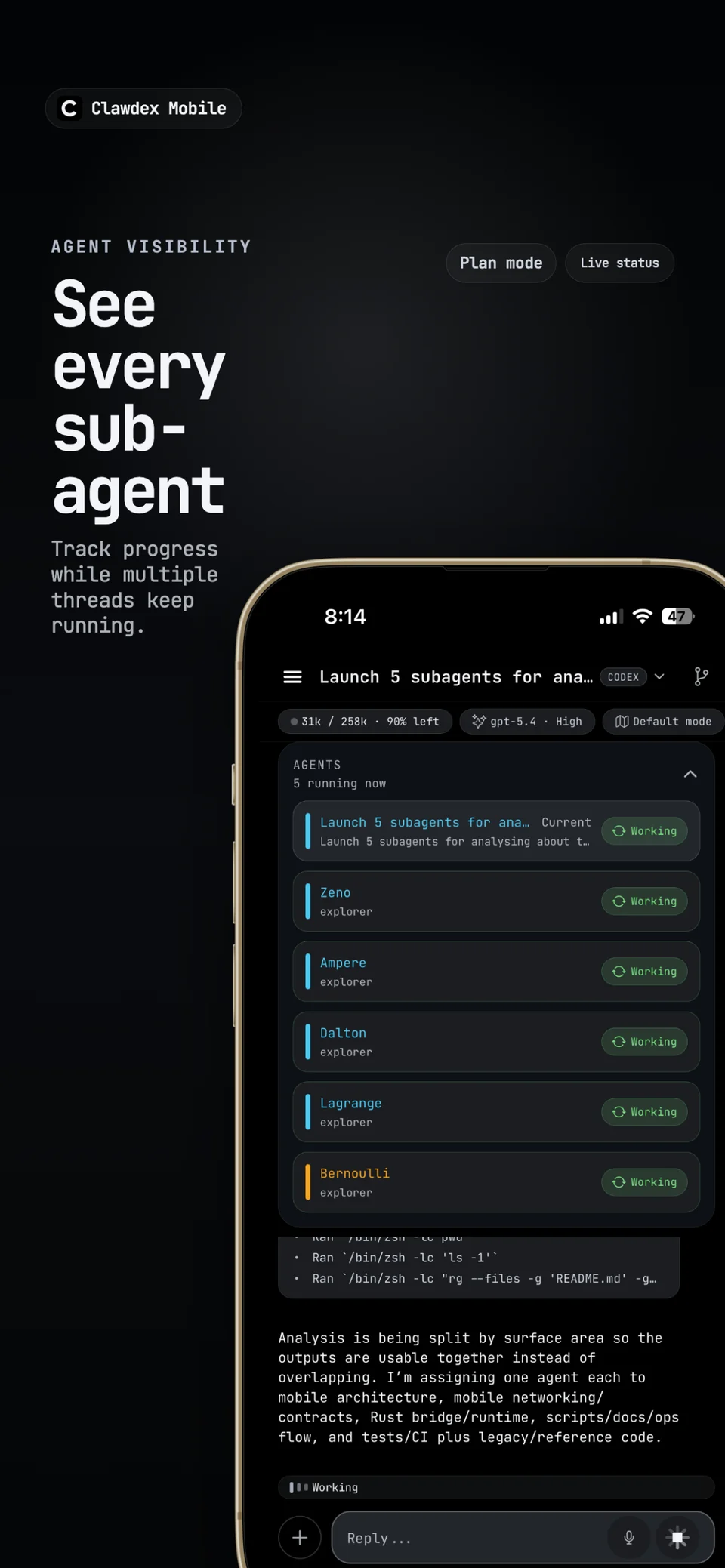
It supports Codex, Cursor, and OpenCode. You can start new runs, continue existing threads, follow progress live, review plans, answer an agent’s questions, and approve its actions, all while you’re away from your desk.
What you can do
- Start new agent runs and continue existing threads
- Live progress, plan review, clarifications, and approvals
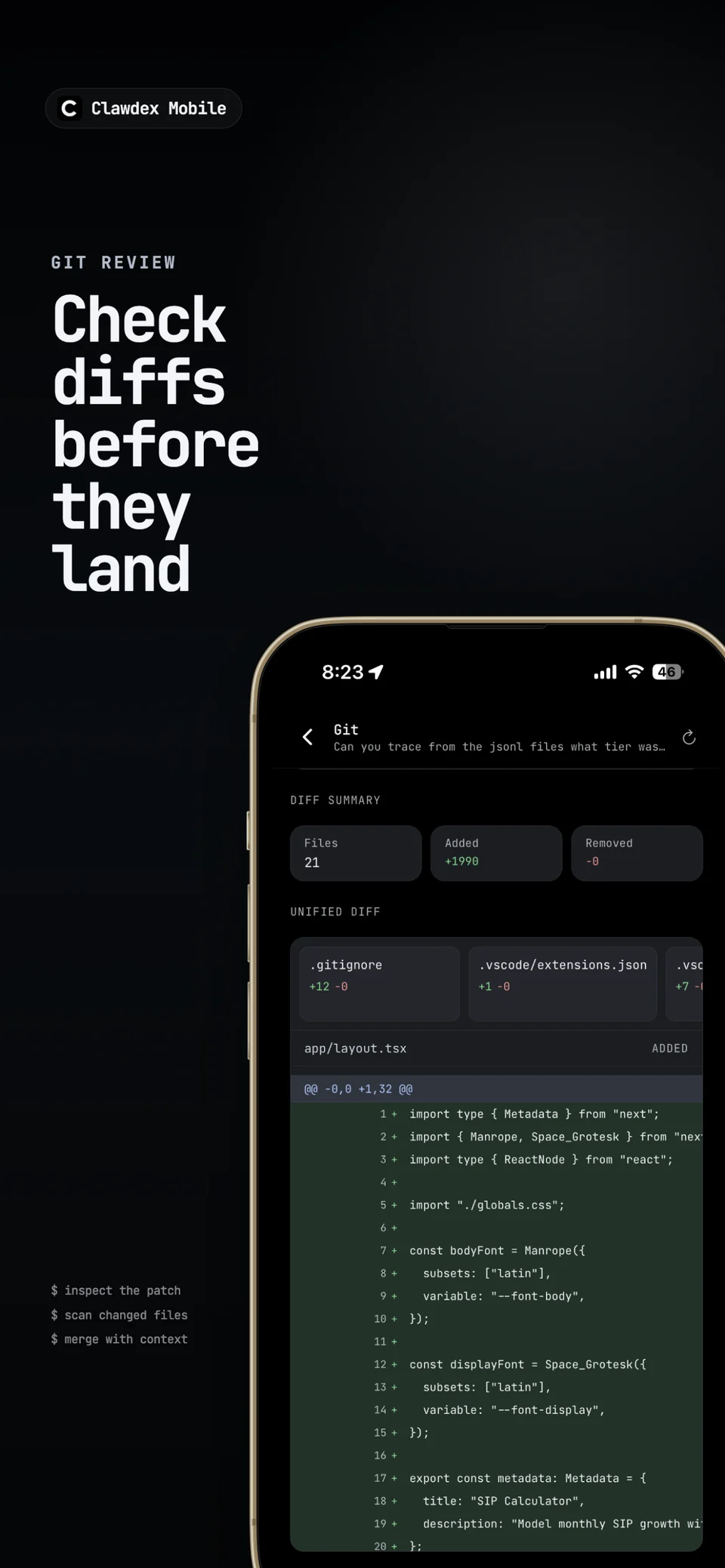
- Git status, diffs, and commits from the phone
- Run terminal commands on your own machine
- Browse workspaces and open localhost web apps from the bridge machine
- Attach files and images from the workspace or the phone
- Voice input for quick prompts
- Notifications when an agent finishes or needs approval
How it works
Clawdex has two parts: the app on your phone, and a small bridge that runs on the computer where your agents already live. You install the bridge with npm and start it with one command, then pair the app to it with the printed URL and token or a QR code.
The bridge stays on your private network. It is built for a local network, a VPN, or Tailscale, not for the open internet, so your code and agent sessions stay on machines you control.
Screenshots
Good to know
Clawdex needs a running bridge and your own access to the agent you use, for example a Codex subscription.